Creating an organized home office is essential for maintaining productivity and comfort during your workday. A well-arranged workspace minimizes distractions, helps you stay focused, and makes it easier to find what you need. Whether you’re working from home full-time or occasionally, a thoughtfully organized office can make a big difference. Here are some simple tips to help you organize your home office effectively.
Choose the Right Location
Before organizing, consider where your home office will be. Ideally, select a quiet space with natural light. Good lighting reduces eye strain and can improve your mood. If natural light is limited, invest in a quality desk lamp that simulates daylight.
Declutter Regularly
Clutter can quickly make you feel overwhelmed and distracted. Take a few minutes at the end of each day to tidy up your desk:
– Put away papers and files in their designated spots.
– Remove any unnecessary items.
– Clear off your desk surface for a fresh start tomorrow.
Keeping clutter in check makes your workspace inviting and functional.
Optimize Desk Layout
How you arrange your desk can impact both comfort and efficiency:
– Place your computer screen at eye level to avoid neck strain.
– Keep frequently used items like notepads, pens, and your phone within easy reach.
– Use a mouse pad with wrist support to reduce strain.
A neat desk layout supports smooth workflow and reduces discomfort.
Invest in Comfortable Furniture
Comfort is key to staying productive. Choose a chair that supports your posture and allows you to sit for longer periods without discomfort. Look for adjustable chairs so you can customize height and support. If possible, consider a sit-stand desk, which gives you the option to alternate between sitting and standing.
Use Storage Solutions Wisely
Organized storage prevents piles of papers or office supplies from taking over your space. Here are some options to consider:
– Shelves: Open shelves can house books, reference materials, or decorative items, keeping them accessible yet tidy.
– Drawers: Drawer organizers help keep small items like cables, chargers, and stationery sorted.
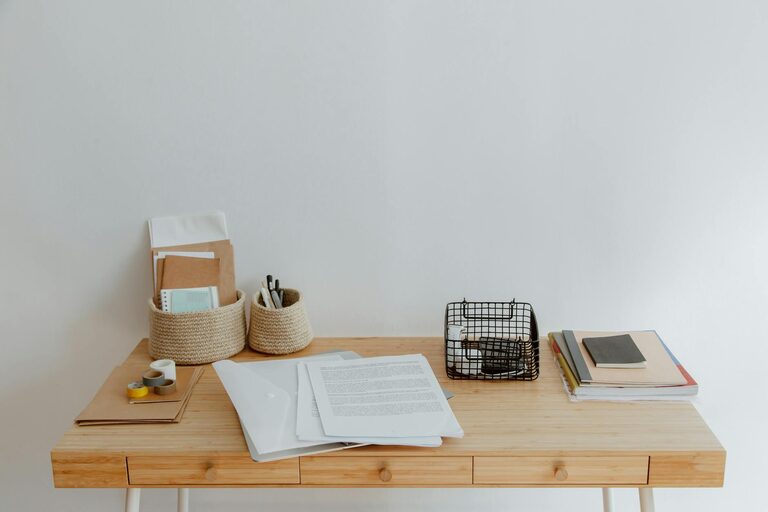
– File holders: Vertical file holders keep documents in order and easy to find.
– Bins and baskets: Use labeled containers for miscellaneous supplies.
Match storage solutions to your needs for a customized setup.
Manage Cables and Electronics
A tangled mess of cables can make your desk look chaotic and create distractions. To manage cables effectively:
– Use cable clips or ties to bundle cords neatly.
– Consider a cable management box to hide power strips and excess cords.
– Position electronic devices so their cables don’t cross your work area unnecessarily.
A clean cable setup keeps your workspace visually calm and safe.
Personalize Without Overdoing It
Adding personal touches like photos, plants, or artwork can make your office feel cozy and inviting. Plants, in particular, improve air quality and may boost mood and creativity. However, avoid overcrowding your desk with too many items, which can lead to clutter and distraction.
Create Zones for Different Activities
If your space allows, consider dividing your home office into zones based on tasks:
– A primary work zone with your computer and main supplies.
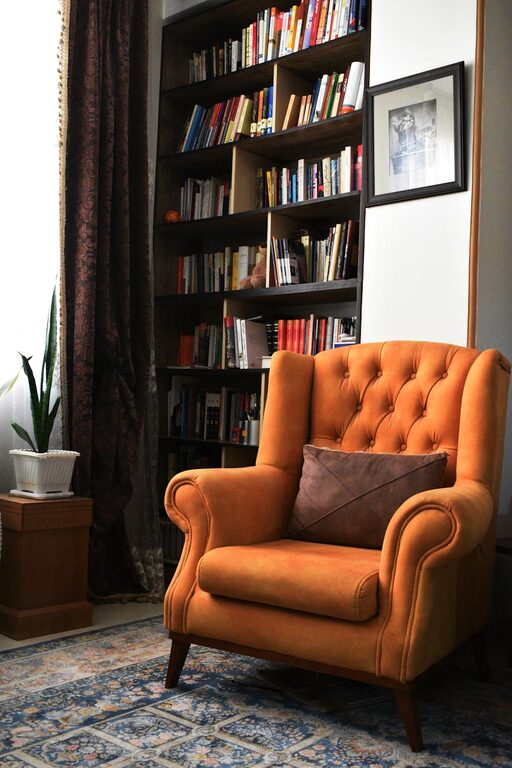
– A reading or brainstorming corner with comfortable seating and note-taking materials.
– A storage zone for files and equipment.
Separating activities helps signal your brain to focus on the task at hand.
Establish a Filing System
Without a system, paperwork can pile up quickly. Decide on a filing method that suits your workflow:
– Alphabetical — useful for client or project names.
– Chronological — good for bills or invoices.
– Categories — grouping by type of document (e.g., finance, correspondence, receipts).
Label files clearly and review periodically to discard what’s no longer needed.
Keep a To-Do List Visible
A to-do list keeps priorities clear and progress measurable. Use a whiteboard, sticky notes, or a digital app, whichever you prefer. Update your list regularly and celebrate completing tasks for motivation.
Maintain Good Airflow and Temperature
Comfort isn’t just about furniture. A well-ventilated, temperature-controlled room helps you stay alert and comfortable. Open a window when weather permits or use a fan or space heater as needed.
Establish Office Hours and Boundaries
Part of organizing your home office includes setting boundaries to balance work and personal life. Define clear working hours and communicate these with household members to minimize interruptions.
—
Organizing your home office doesn’t require a major overhaul. Small, consistent steps like decluttering daily, optimizing your desk layout, and managing cables can significantly improve your comfort and productivity. With a welcoming and efficient workspace, your home office can become your favorite spot to focus and create.
About the Author